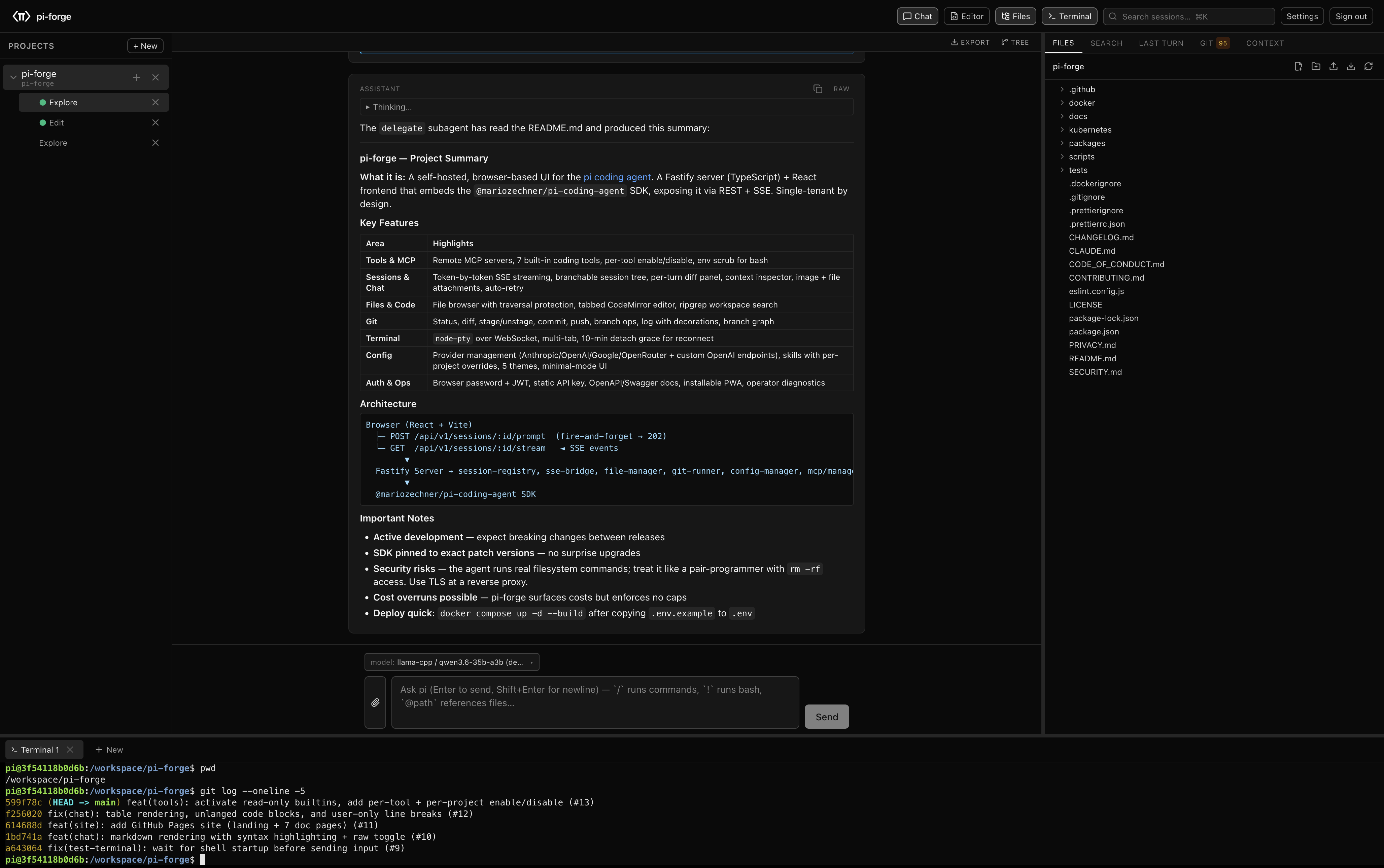
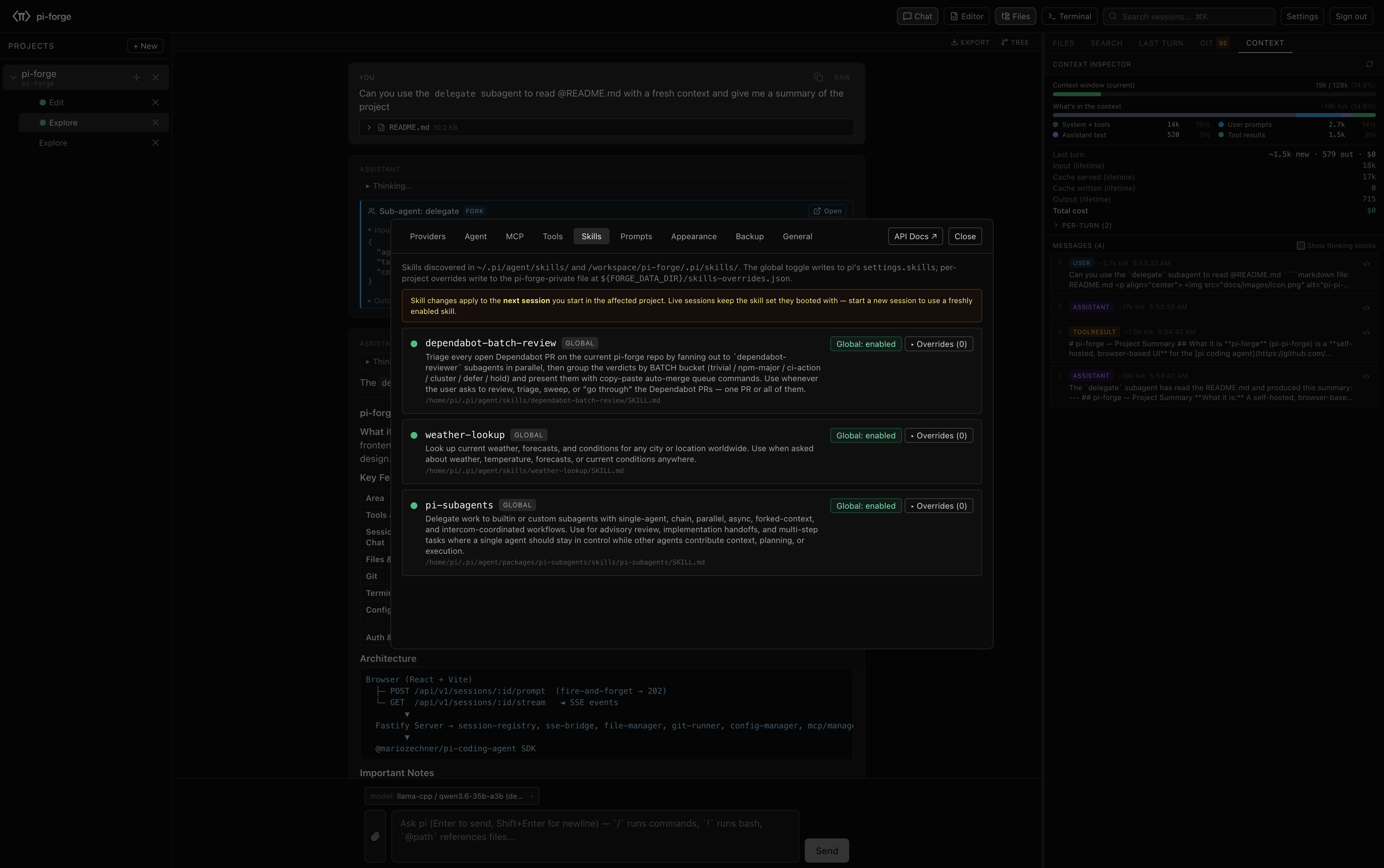
A self-hosted browser UI for the pi coding agent. Chat with the agent against your code, browse files, run a terminal, review diffs — all from one tab. Your container, your provider keys, your data.
Pi-forge wraps the pi SDK with the affordances most coding workflows want — and keeps every surface scriptable behind the same REST + SSE API the UI calls.
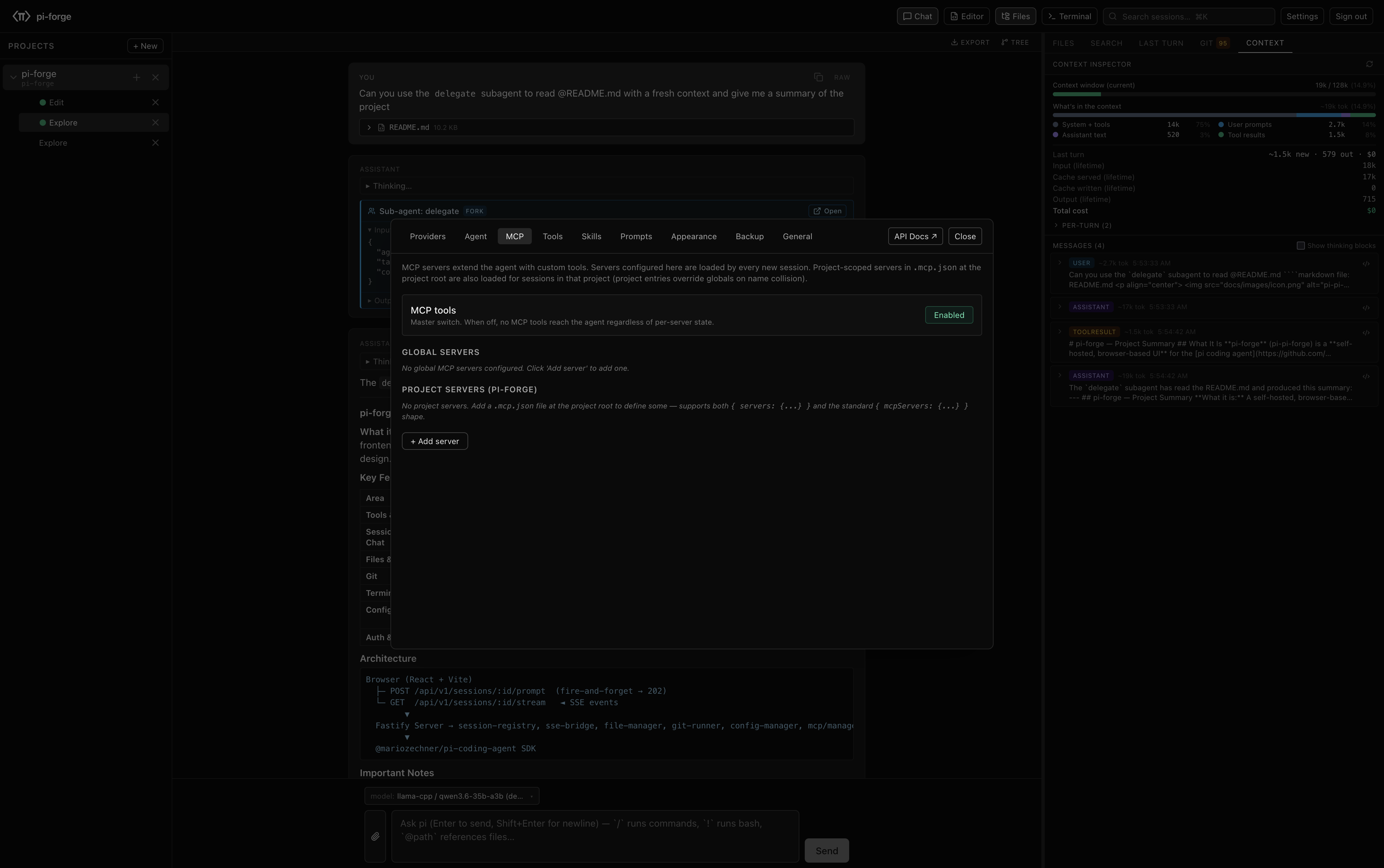
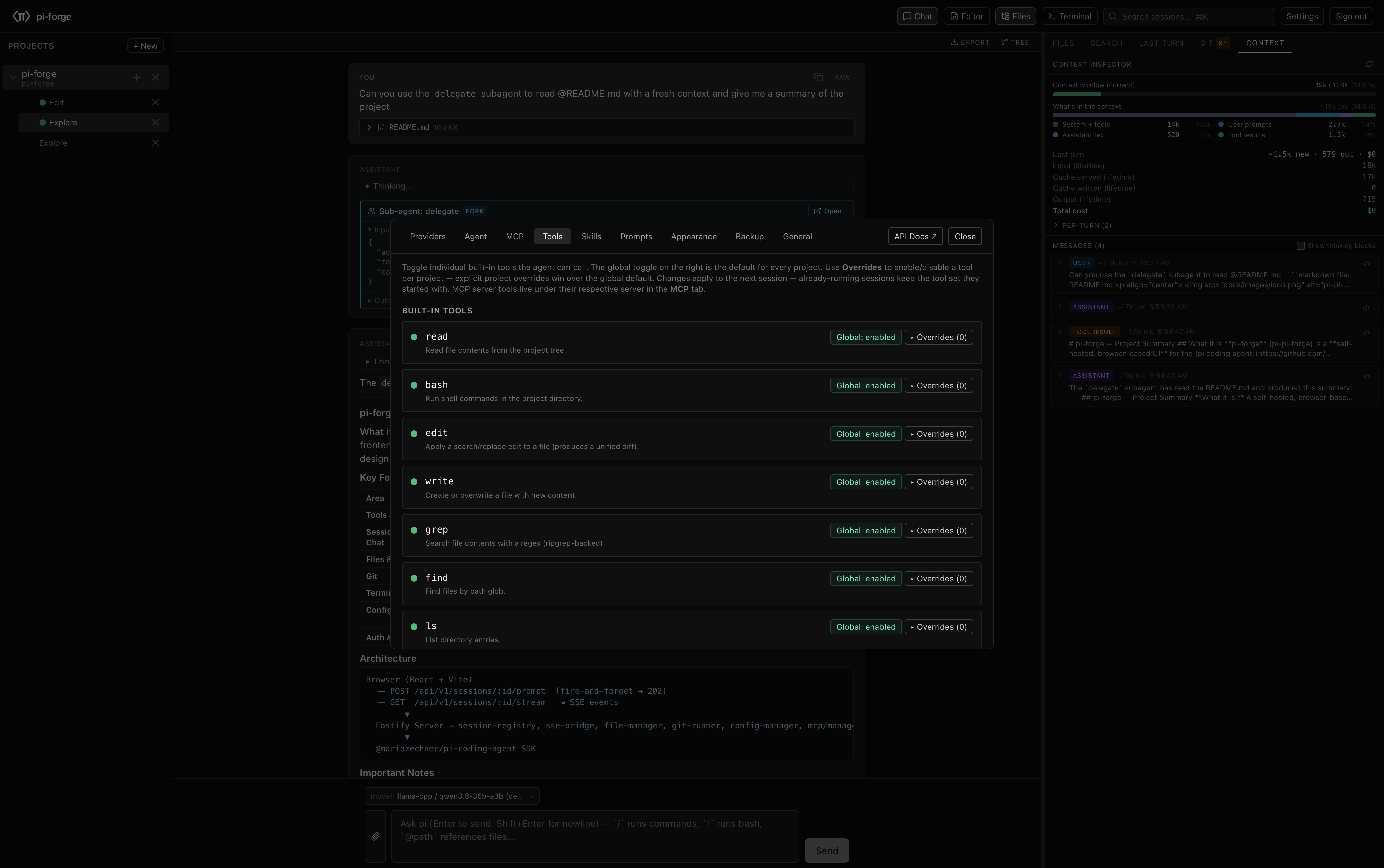
Remote (HTTP / SSE) and stdio MCP servers with per-project trust gates. Every tool — pi's built-ins plus each MCP server's — toggleable individually with per-project overrides.
Default-available supervisor mode lets one session spawn, observe, and coordinate worker sessions in the same project. Worker events stream into the supervisor's inbox.
Opt-in hardening mode runs agent/user shell surfaces as a restricted UID/GID, scopes model file tools, and keeps server-side config and forge data out of that identity.
HTTPS POST deliveries on agent and session events. Global or per-project scope, HMAC-SHA256 signing, retry with exponential backoff, delivery history.
The process tool lets the agent spawn long-running processes — dev servers, watchers, builds — with log capture, regex watches, and exit alerts.
Operator-defined chips in the chat toolbar that either run a shell command in the active project or insert a templated prompt into the composer.
Token-by-token rendering over SSE. Tool calls and their results materialize in the transcript as they happen — no waiting until the end of a turn.
Fork at any prior turn, navigate the resulting tree, bookmark abandoned branches, summarize-on-navigate to keep context bounded.
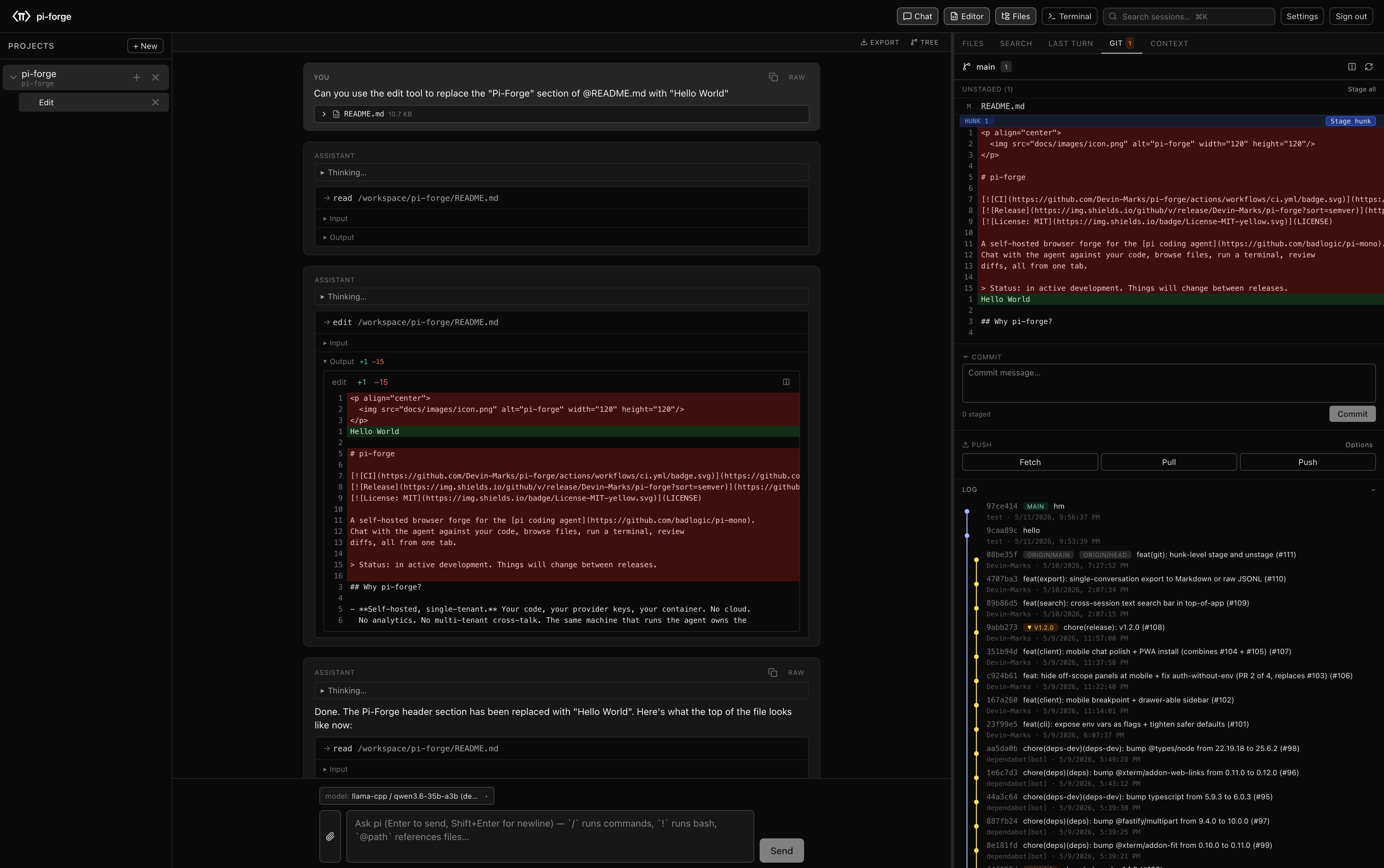
Every file the agent touched in the last turn, aggregated into one reviewable changeset. Inline edit results and project-wide diffs share one renderer.
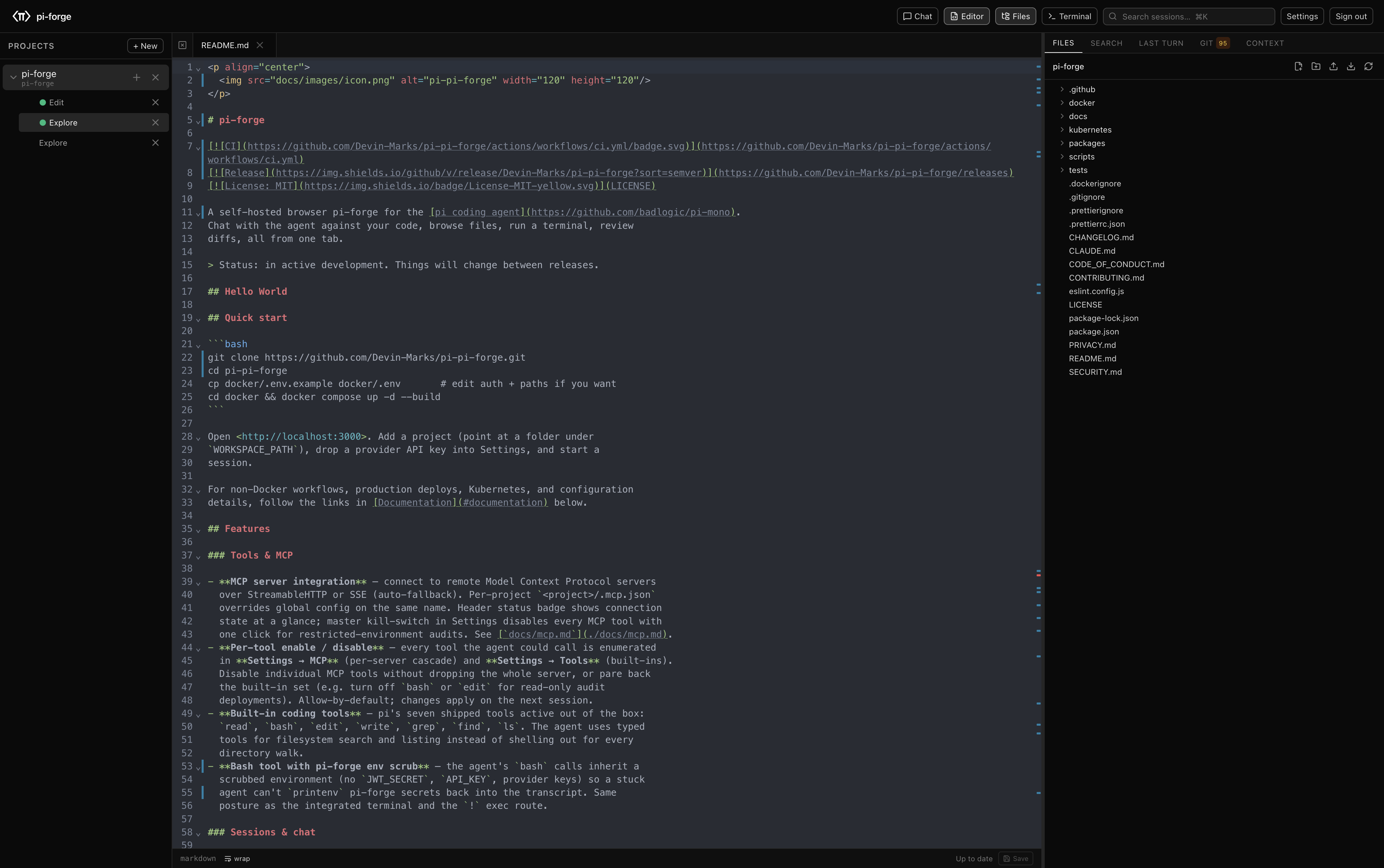
Tree view, tabbed CodeMirror with syntax highlighting and autosave, ripgrep-backed workspace search, path-traversal protection on every operation.
node-pty over WebSocket, persistent across page refresh and project switch. Per-tab scrollback, multi-tab, env-allowlist for the spawned shell.
Status, unified or split diff, stage / unstage per file, commit, push, fetch, pull, branch checkout / create / delete, log with ref decorations.
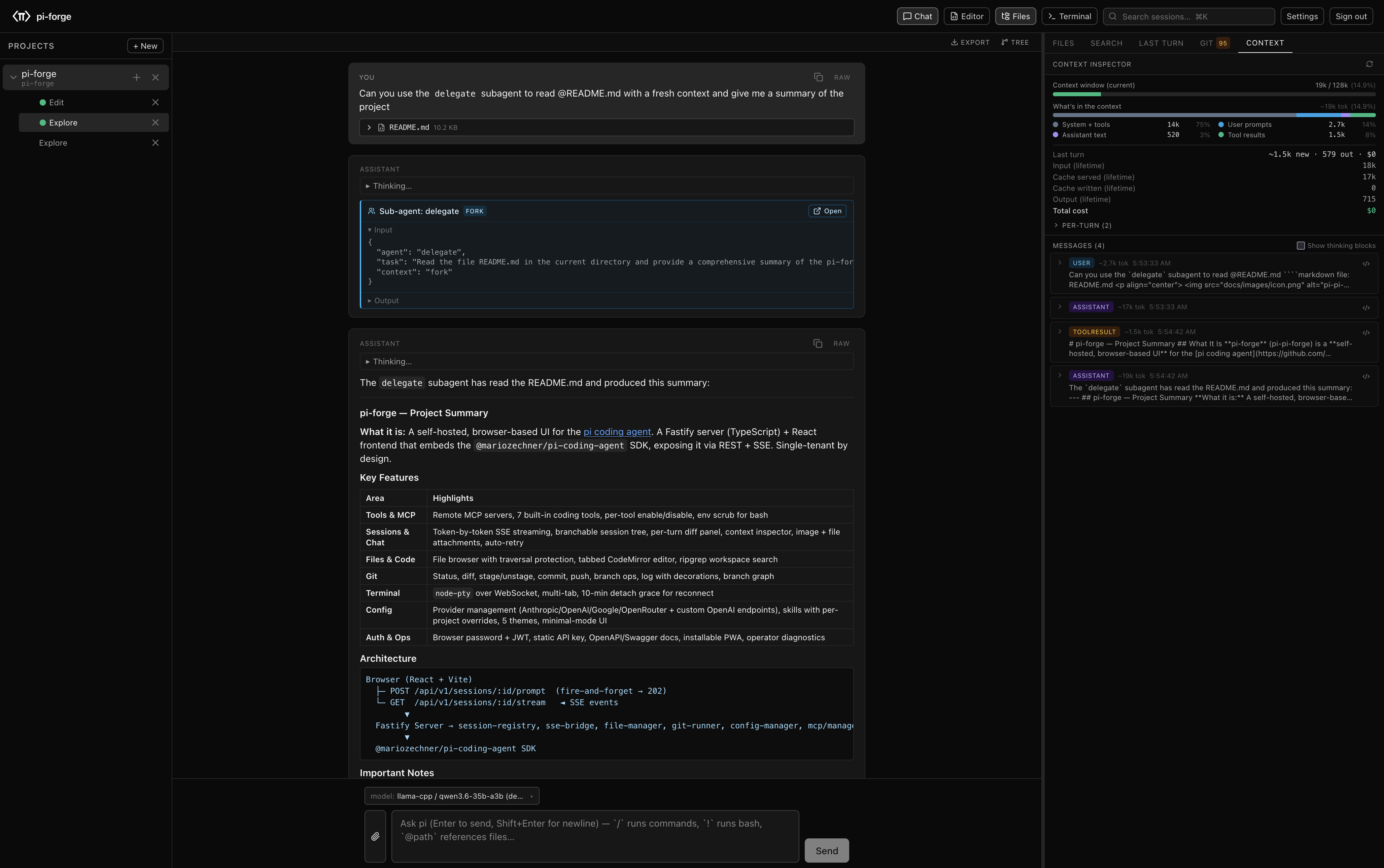
Token + cost breakdown per turn, lifetime spend, raw message inspector with syntax highlighting, search across long conversations.
Built-in surfacing of the community pi-subagents plugin (install separately) — rich tool card for parent calls, child sessions in the project sidebar.
Every route auto-documented at /api/docs (Swagger UI) and /api/docs/json. The same routes the React UI calls — no shadow surface.
Mobile-tuned chat surface — slide-in project drawer, sticky composer above the keyboard, gallery / camera attach. "Add to Home Screen" on iOS and Android; runs fullscreen with safe-area-aware chrome.
Two install paths. Both end at http://localhost:3000 with a provider key prompt.
npx pi-forge
# or install globally:
npm install -g pi-forge && pi-forge
# pass --port, --workspace-path, --api-key @file etc. — see `pi-forge --help`
git clone https://github.com/Devin-Marks/pi-forge.git
cd pi-forge
cp docker/.env.example docker/.env
# edit docker/.env to set UI_PASSWORD or API_KEY
cd docker && docker compose up -d --build
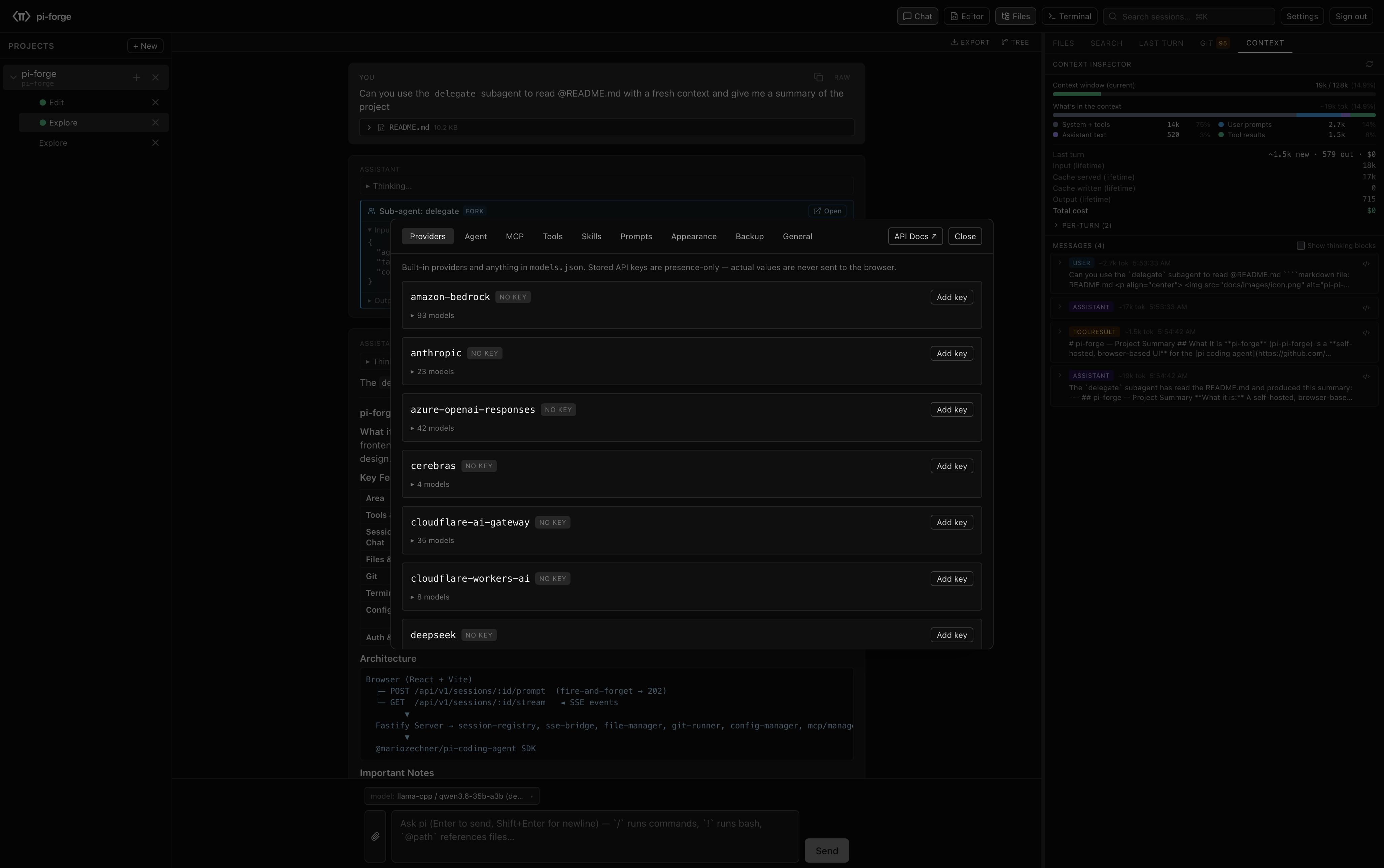
Open http://<host>:3000, go to Settings → Providers, and paste an Anthropic / OpenAI / etc. API key. Or set keys directly in ~/.pi/agent/auth.json.
Click + Project, point at any folder under WORKSPACE_PATH. The folder becomes the agent's working tree; chat opens in the same view.
Kubernetes, OpenShift, reverse-proxy + TLS, mobile install: see Deployment, Configuration, and Mobile.
Every browser interaction is a documented REST or SSE call. Scripts, CI pipelines, and the React UI all hit the same endpoints — no shadow surface, no separate "API mode."
# Authenticate with the API_KEY you set in env
BASE=http://localhost:3000
KEY=your-api-key

# Create a session under a project
SESSION=$(curl -s -X POST $BASE/api/v1/sessions \
  -H "Authorization: Bearer $KEY" \
  -H "Content-Type: application/json" \
  -d '{"projectId":"<projectId>"}' | jq -r .sessionId)

# Send a prompt (fire-and-forget; response streams over SSE)
curl -s -X POST $BASE/api/v1/sessions/$SESSION/prompt \
  -H "Authorization: Bearer $KEY" \
  -H "Content-Type: application/json" \
  -d '{"text":"Write a test for the auth module"}'

# Stream the response
curl -N -H "Authorization: Bearer $KEY" \
  $BASE/api/v1/sessions/$SESSION/stream
Full recipes (multipart attachments, branch / fork, abort, model switch, MCP wiring): see
API Examples.
Live OpenAPI spec at /api/docs on a running deploy.
The architecture, configuration, and API references all live in the docs. The full source is on GitHub.